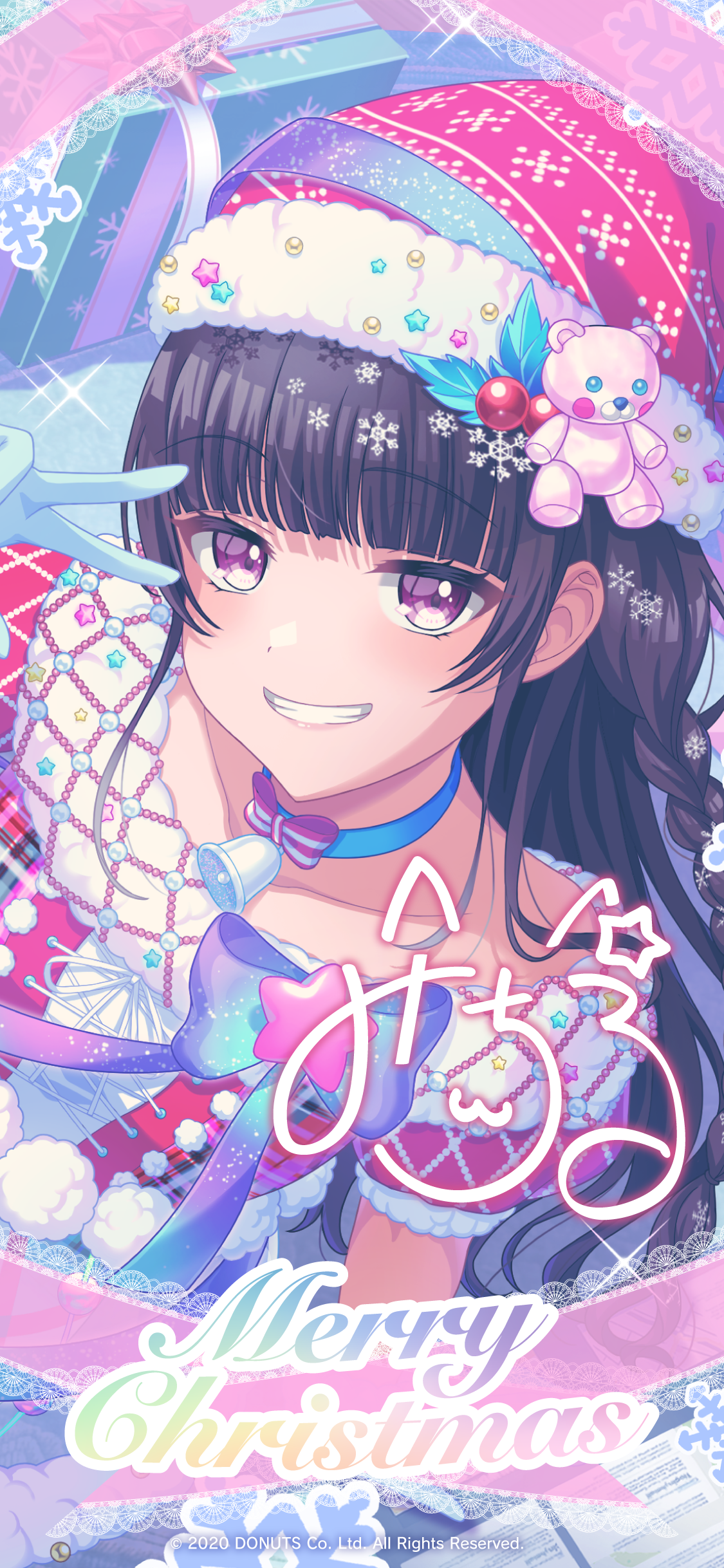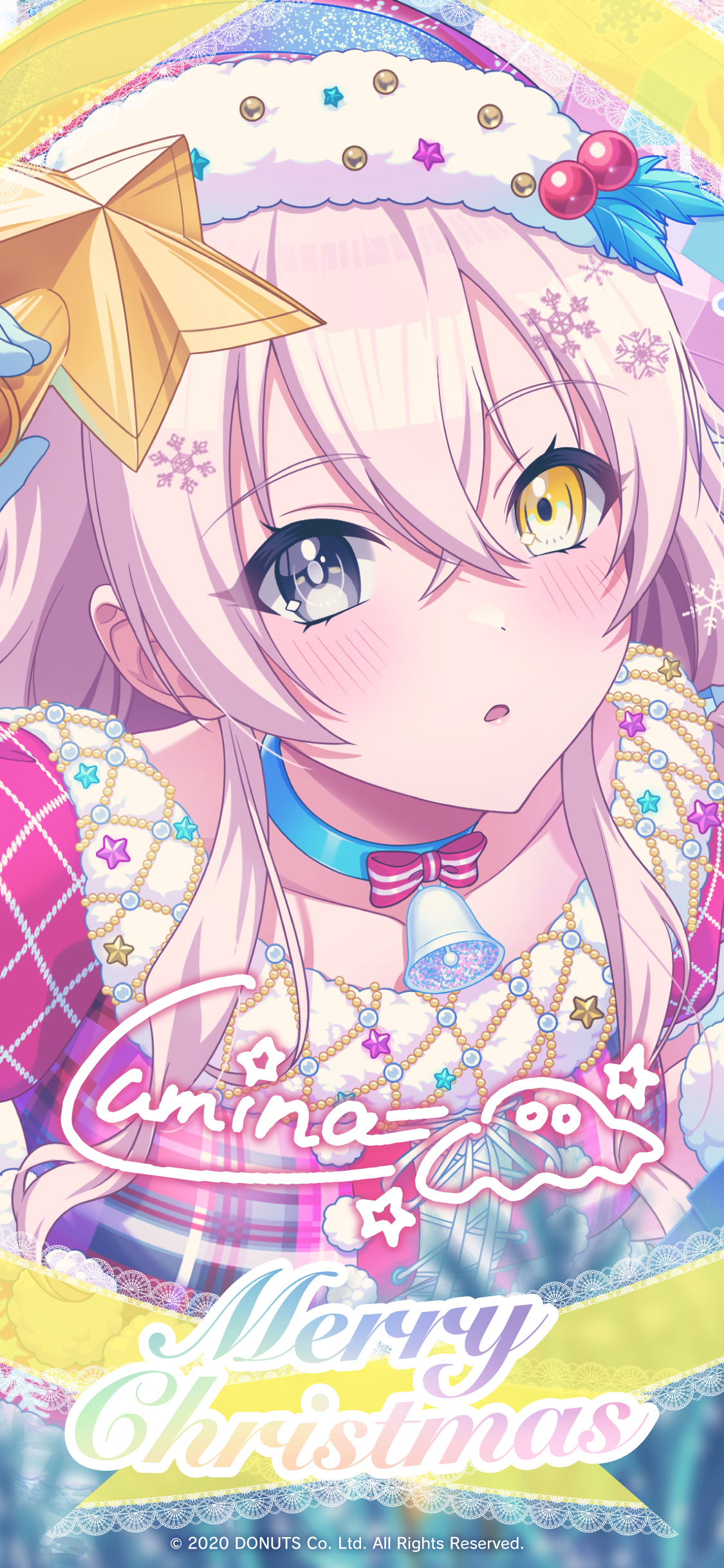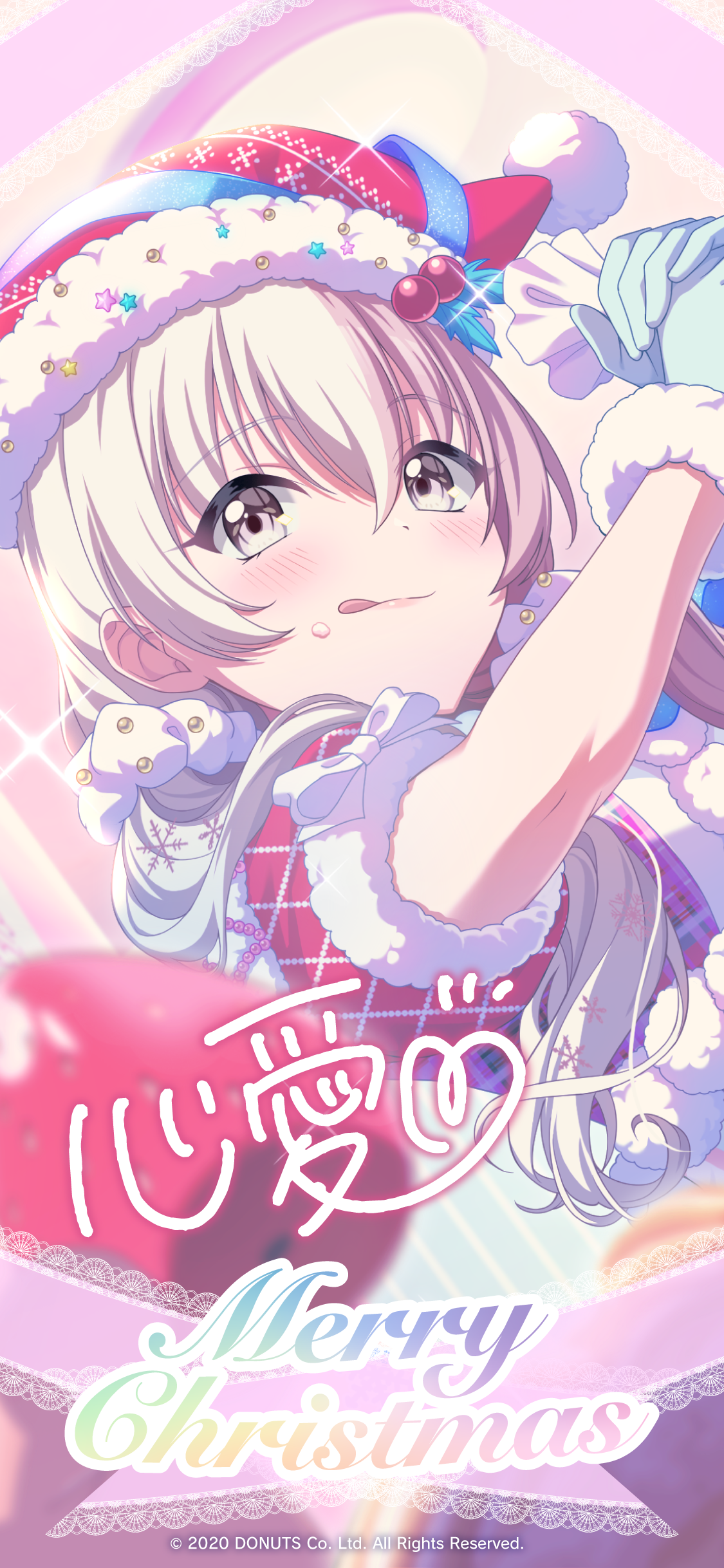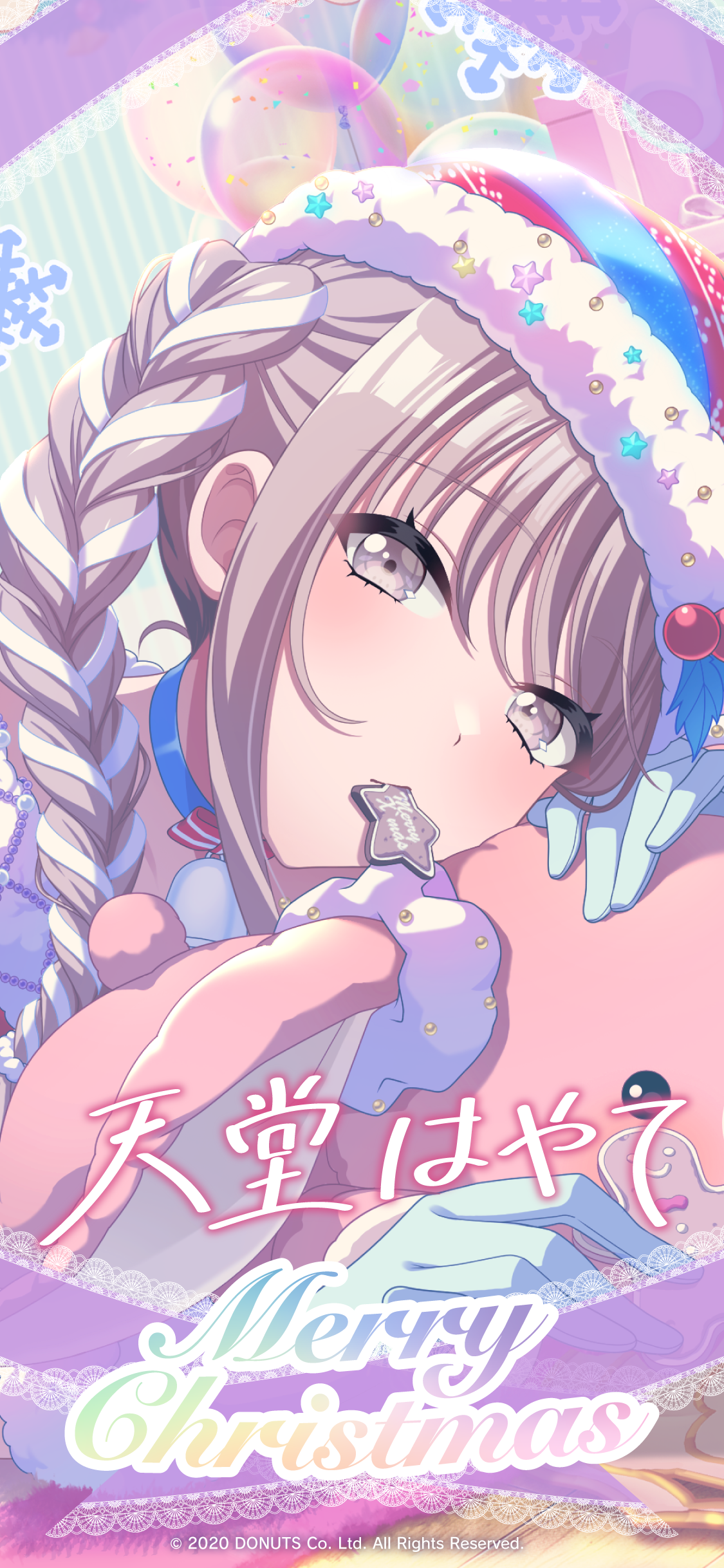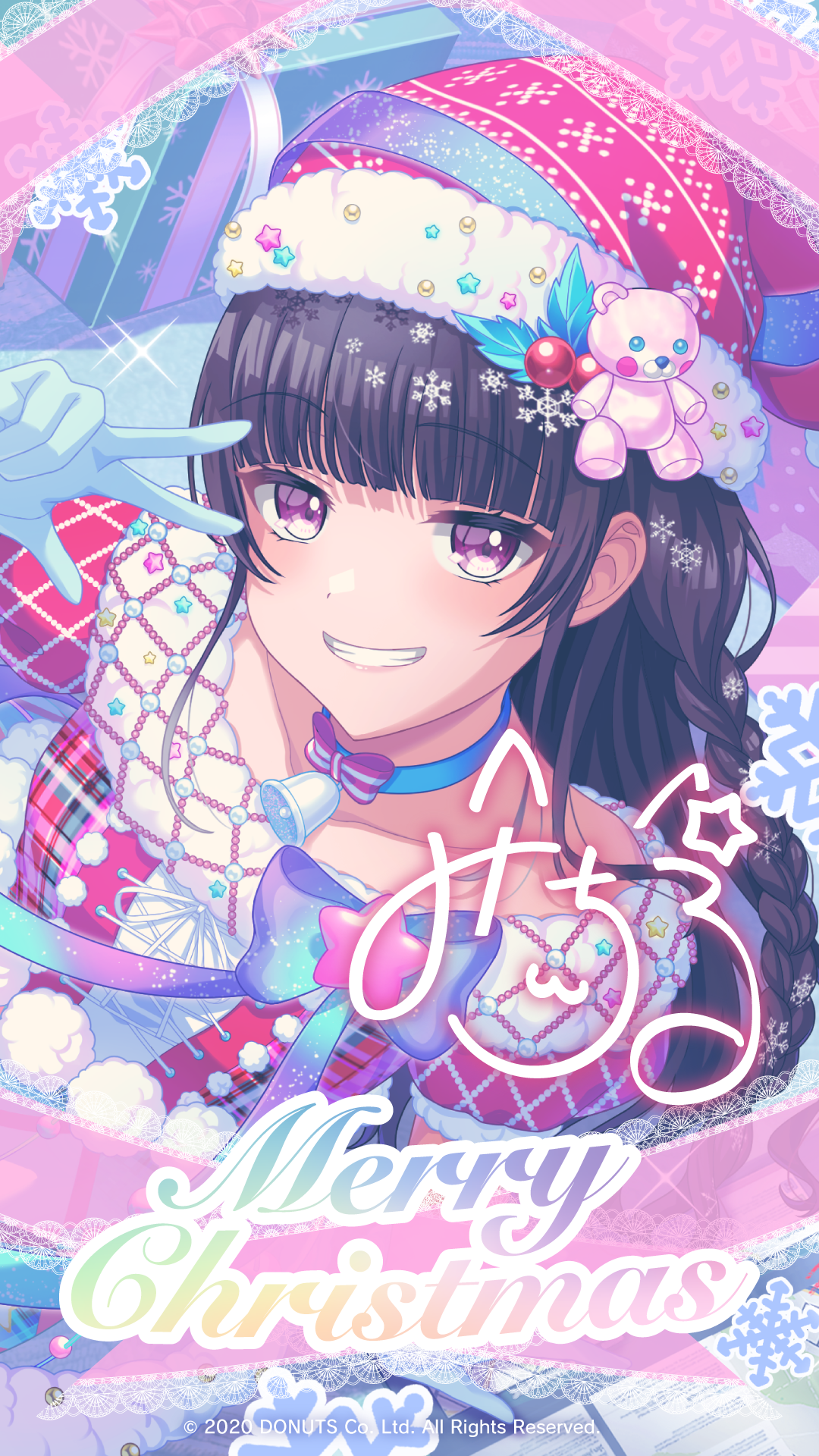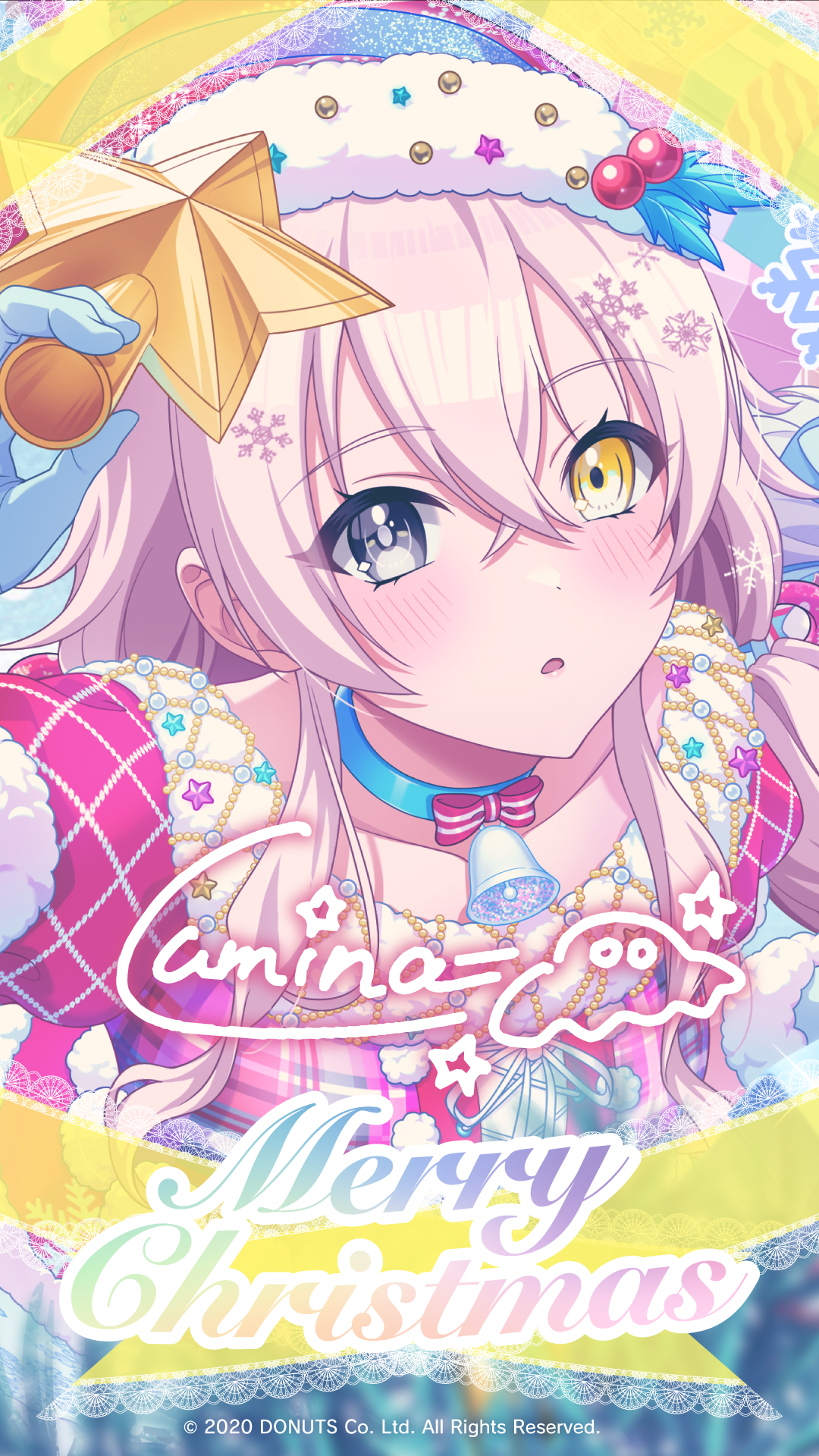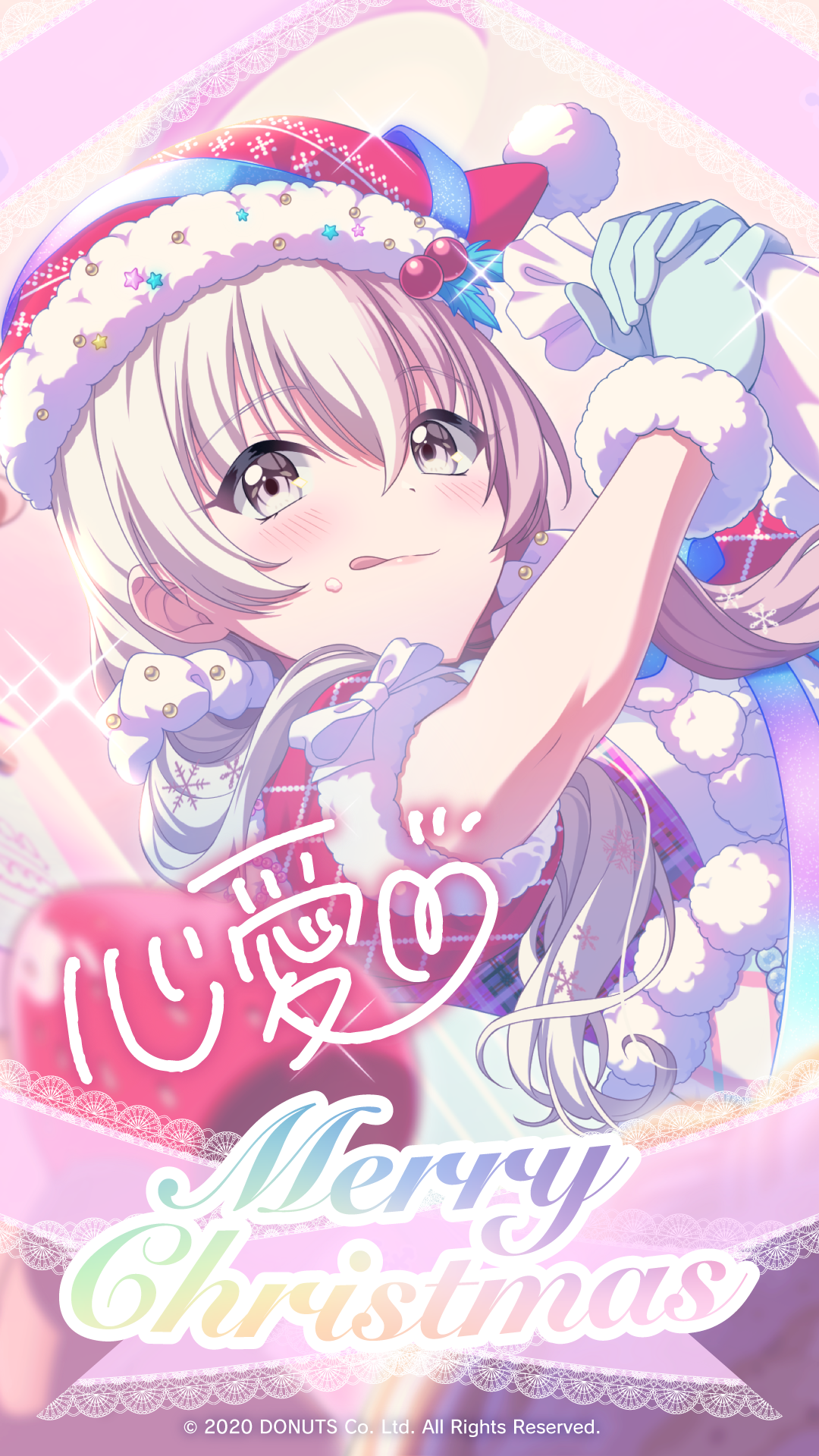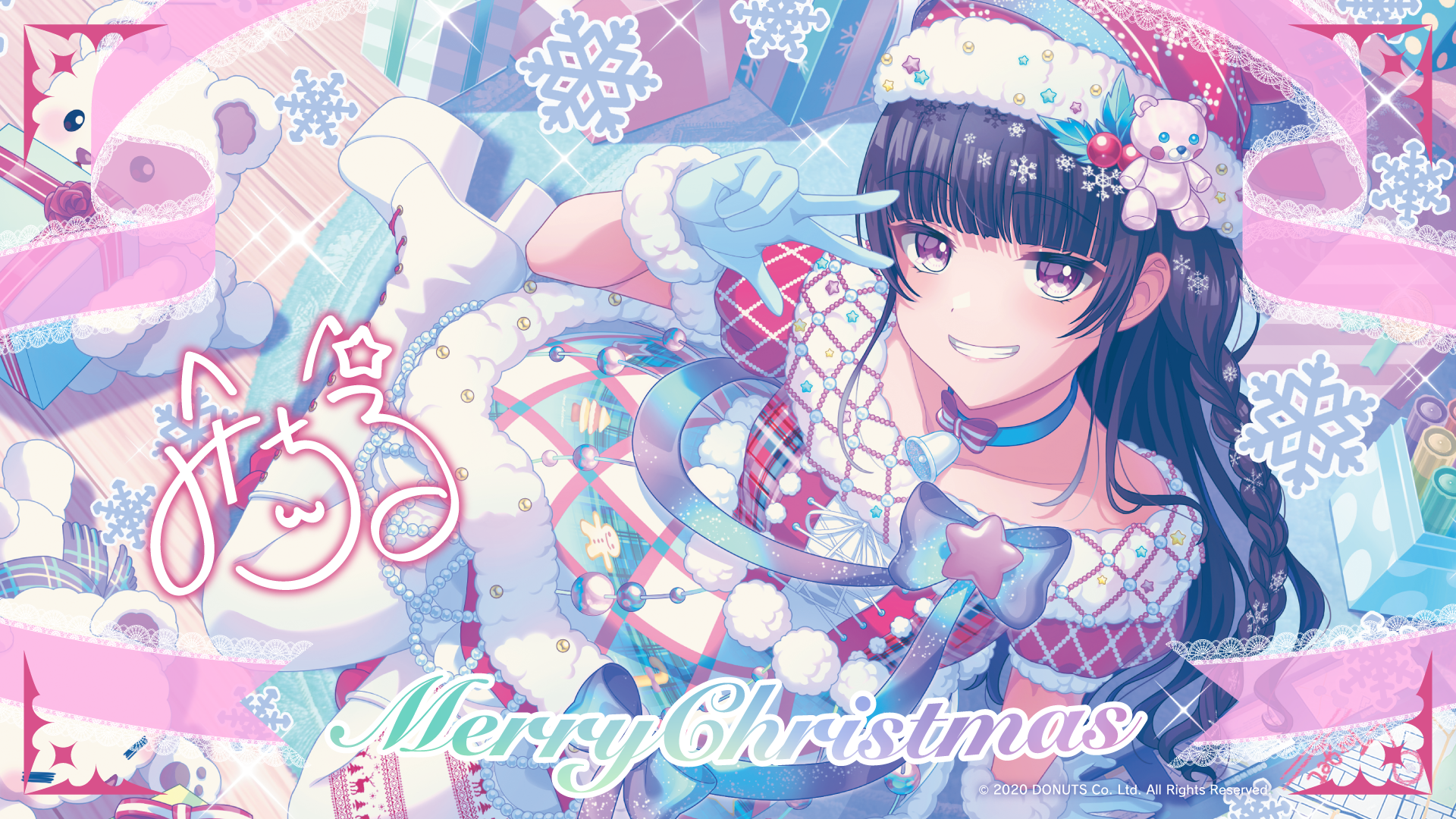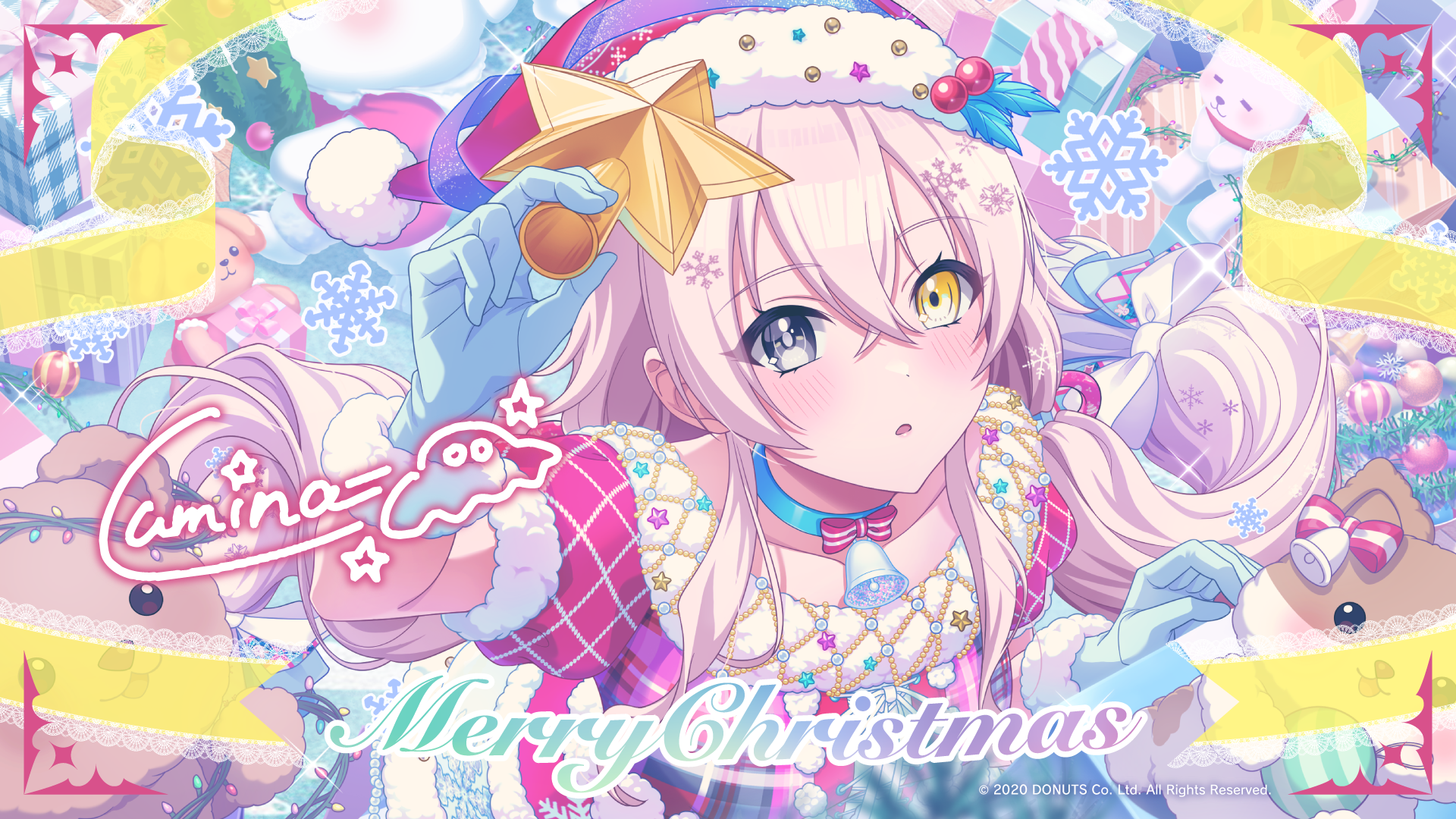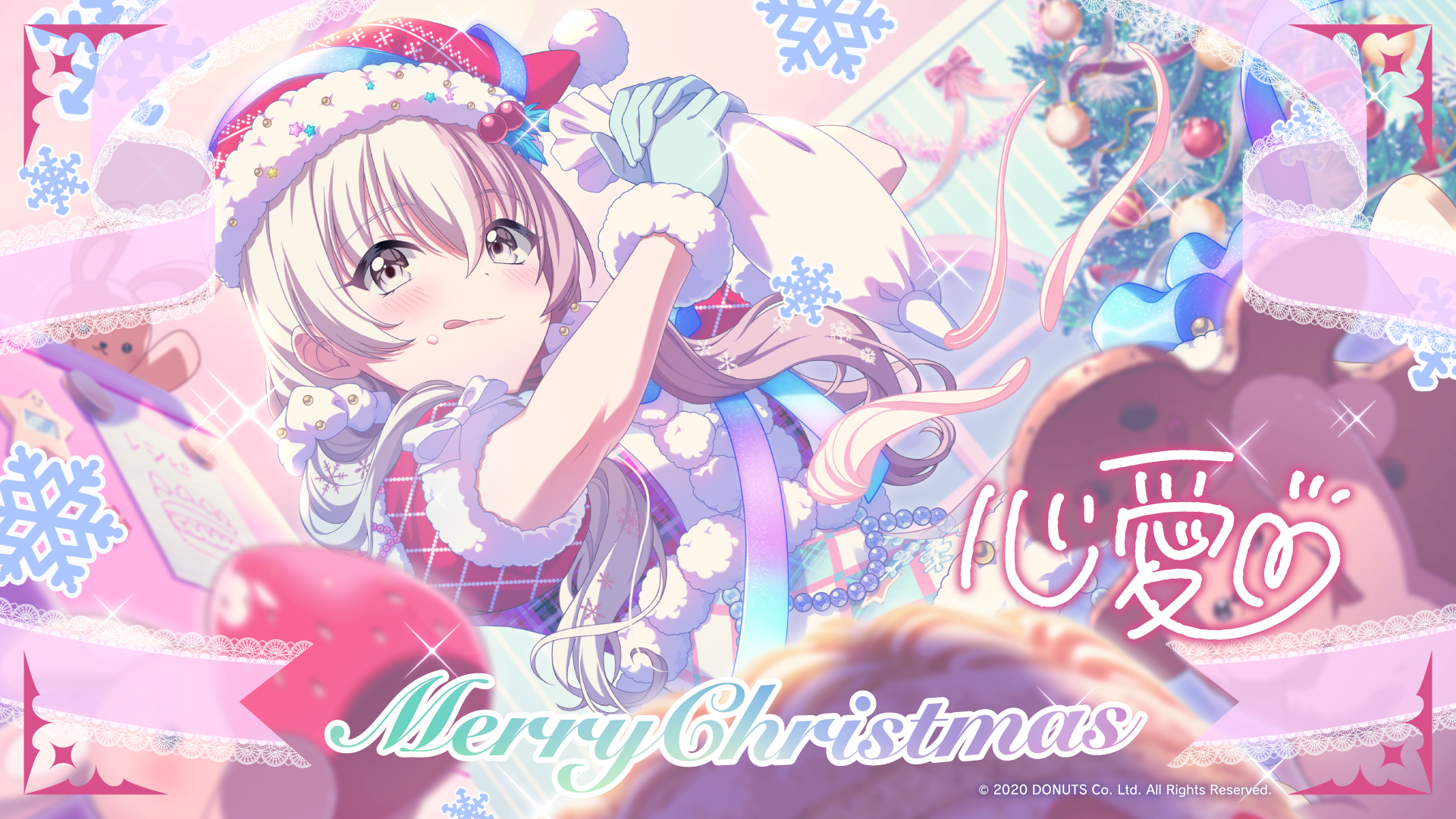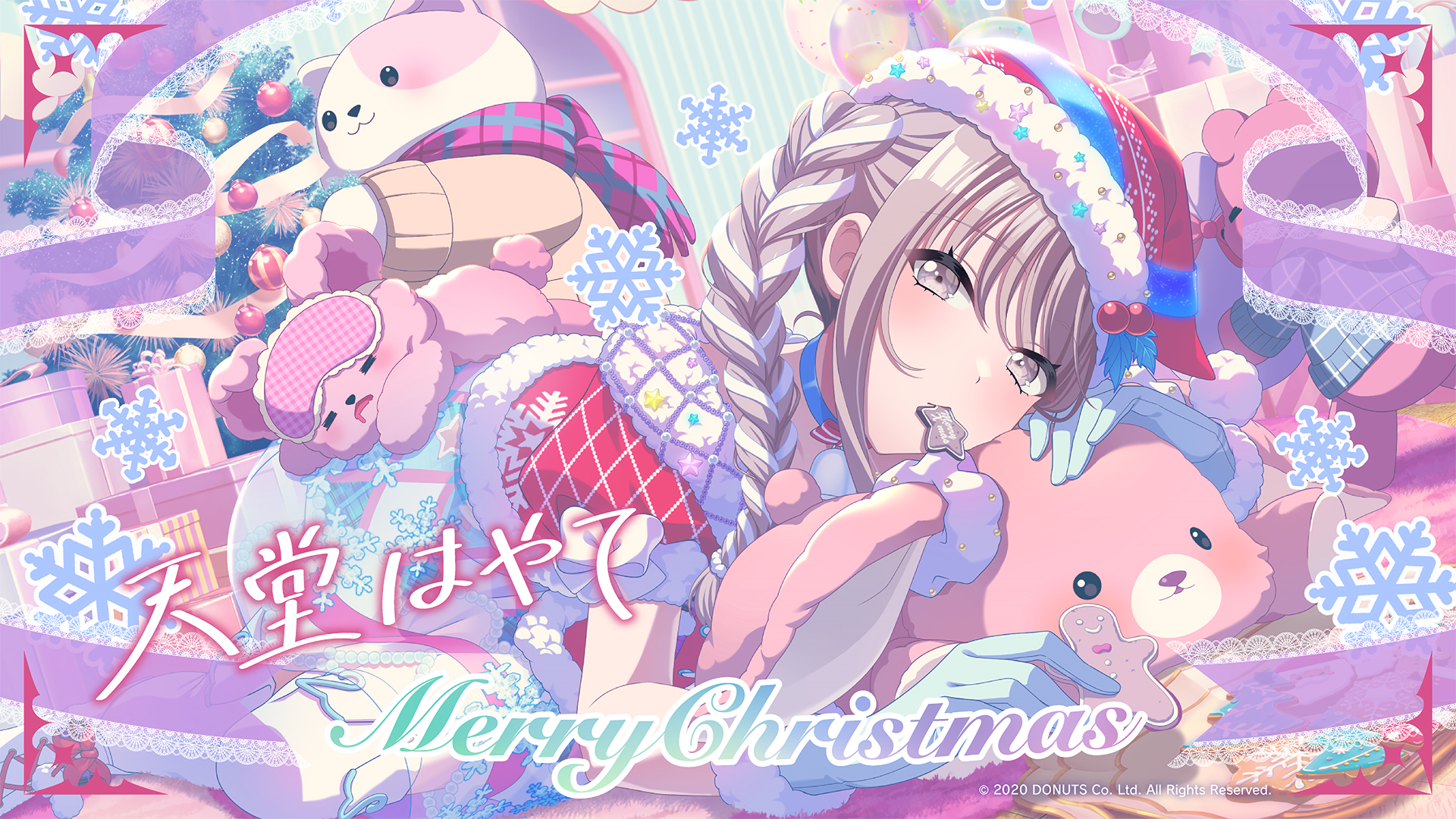



Congratulations on placing in the top ranks in the “White Snow ChØrd” event!
We are pleased to present you with special wallpapers featuring illustrations of UniChØrd members, which you can use on your smartphone, PC, and other devices. Please download the size that best matches your device and enjoy.
Smartphone A
Smartphone B
PC
How to Use
Windows
❶Select the image you want to download, then right-click the Download button.
❷From the menu, select Save link as…. You can download the wallpaper using the steps above.
Mac
❶Select the image you want to download, then click the Download button.
❷Hold Ctrl and click the image, then select Use Image as Desktop Picture from the menu. The wallpaper will be set using the steps above. * You may not be able to revert to your current wallpaper.
Smartphone / Tablet
The method for setting a wallpaper varies depending on your device. Please check your device’s manual or instructions and set it accordingly.
Notes
*The images on this page are provided for personal use only. They may not be used for commercial purposes or corporate promotion. In addition, please do not edit, repost without permission, redistribute, or reproduce them. *The setup method may vary depending on your browser or OS version. For details, please refer to your smartphone/PC help documentation.